More Emails tools →74 free dev tools →
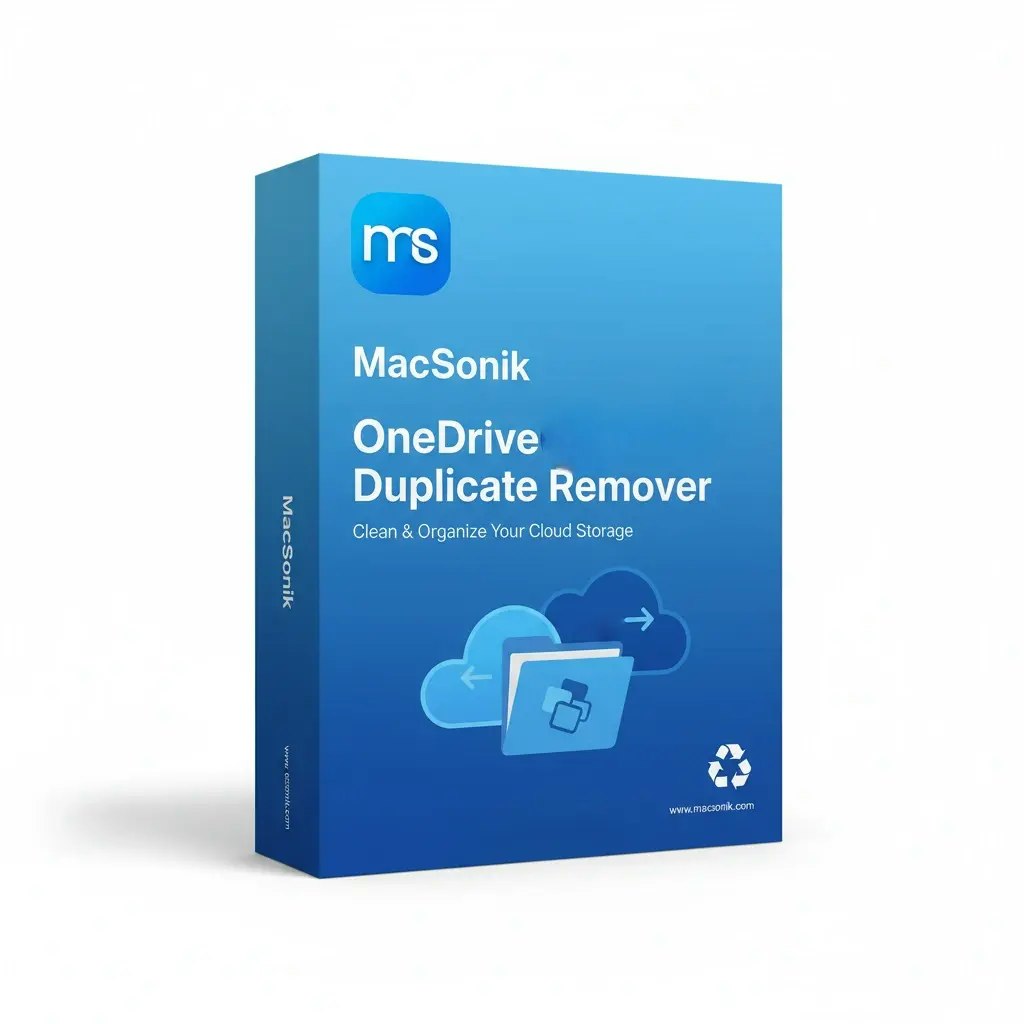
MacSonik OneDrive Duplicate Remover scans OneDrive accounts and deletes duplicate files to free storage and improve productivity.
- for
- IT admins and enterprises using OneDrive who need automated duplicate cleanup
- pricing
- free
Key features
- Content-based duplicate detection — Finds duplicates by file content, not just names, across all folders and file types.
- Bulk processing for multiple accounts — Scans and removes duplicates across many OneDrive accounts in one operation.
- Preview before deletion — Shows duplicate files so users can confirm removal.
- AES-256 encryption — All scanning and deletion actions run in an encrypted environment.
- Role-based access & MFA — Granular permissions and multi-factor authentication for secure admin control.
- Storage summary display — Shows OneDrive storage usage and potential space savings.
Use cases
- Clean up duplicate patient records in a HIPAA-compliant healthcare OneDrive environment
- Reduce storage costs for an IT services provider managing thousands of client OneDrive accounts
- Free up space and speed sync for a university’s faculty and student OneDrive accounts
MacSonik OneDrive Duplicate Remover FAQ
Does the tool delete original files by mistake?+
The engine uses content-based detection and a preview step to ensure only true duplicates are removed, preserving unique files.
Can I run the remover on multiple OneDrive accounts at once?+
Yes, the bulk processing feature supports scanning and cleaning across many accounts concurrently.
Is my data protected during scanning?+
All operations are performed in an AES-256 encrypted environment and the product complies with SOC 2, ISO 27001, and GDPR.
What operating systems are supported?+
Windows 10/11, macOS 10.14+, and Linux distributions such as Ubuntu 18.04/20.04 and RHEL 8+.
Is there a guarantee or support if I encounter issues?+
The product includes 24/7 technical support and a 30-day money-back guarantee.
Summarized by DevHunt from macsonik.com · Oct 6, 2026. Details may change; check the official site.