Imageto3d AI
Convert Text & Images to High-Quality 3D Models in Seconds.
Free1,739 impressions#5 of its week
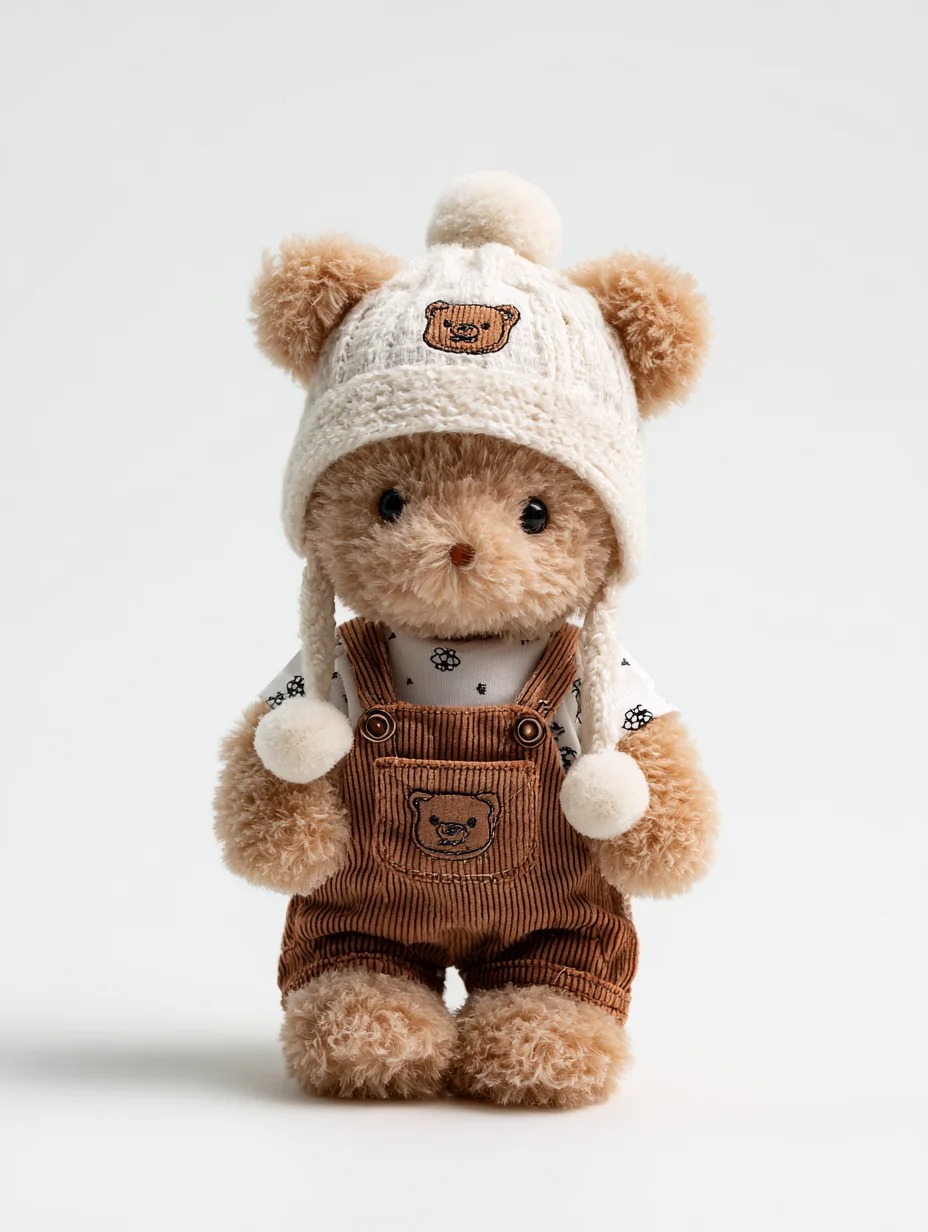
Image to 3D AI converts images or text prompts into high-quality, production-ready 3D models in seconds.
- for
- Game developers, 3D artists, designers, educators and anyone needing quick 3D assets.
- pricing
- free · free trial
Key features
- Multimodal Generation — Create 3D assets from natural language prompts or 2D images.
- Production-Ready Mesh — Outputs clean, manifold geometry with optimized UV unwrapping.
- PBR Materials — Generates 4K texture maps (diffuse, normal, roughness) automatically.
- Textured or Geometry-Only Modes — Choose between a textured mesh with UVs or a clean geometry-only model.
- GLB Export — Download editable GLB files directly from the browser.
- Browser-Based Workflow — Runs entirely online with no installation required.
Use cases
- Rapid prototyping of game characters, props, and environments
- Generating printable models for 3D printing projects
- Creating furniture and decor previews for interior design
- Building interactive 3D content for educational materials
Imageto3d AI FAQ
What is Image to 3D AI?+
It is a web-based platform that converts any 2D image or text description into a usable 3D model by reconstructing geometry and applying realistic materials.
Is the tool free to use?+
Yes, the service offers a free trial with no installation or subscription required.
What image qualities produce the best results?+
Clear subjects, simple backgrounds, good lighting, high resolution, distinct edges and balanced angles yield higher-quality 3D models.
Can I upload my own reference images?+
Absolutely; you can upload your own JPG, PNG, or WebP images up to 6 MB for model generation.
Who owns the copyright of generated models?+
Users retain the rights to the 3D models they generate, especially when using their own input images.
Summarized by DevHunt from image-to-3d.ai · Oct 1, 2026. Details may change; check the official site.